

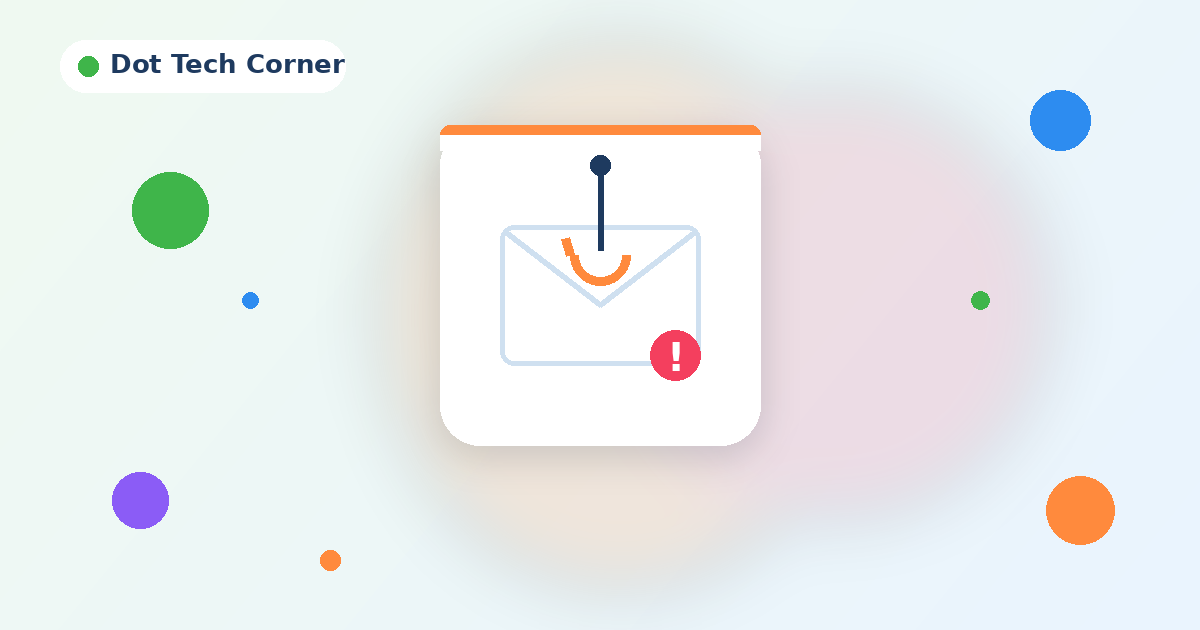
Phishing emails pretend to come from someone you trust, like your bank, Microsoft, a courier or even a co-worker, to get you to click a link, open an attachment or send money. They’re getting harder to spot, but they almost always give themselves away if you pause for 30 seconds.
Check these five things
- 1
The sender’s real address
Hover over or tap the sender’s name. “Microsoft Support” sending from support@micr0soft-login.co is not Microsoft. - 2
Urgency or pressure
“Your account will be closed today” or “Pay this invoice within the hour” are classic tricks to make you act before you think. - 3
Links that don’t match
Hover over a link before clicking. If the address it shows doesn’t match the company, don’t click. - 4
Unexpected attachments
Be wary of invoices, voicemails or shared documents you weren’t expecting, especially .zip, .html or Office files asking you to “enable content”. - 5
Requests to change payment details
If a supplier emails new banking details, call them on a number you already have before paying. Never use the number in the email.
Quick tip
When in doubt, don’t click the link. Open your browser and go to the website yourself, or call the person who supposedly sent it.
Clicked something by mistake?
Don’t panic and don’t hide it. Change your password, then let us know right away. The sooner we know, the easier it is to contain.
Good spam filtering catches most of these before they reach you. Ask us about SpamTitan spam and virus filtering.
Want us to take care of it?
We look after this every day for small businesses. Get in touch and we’ll set it up for you.
Leave A Comment